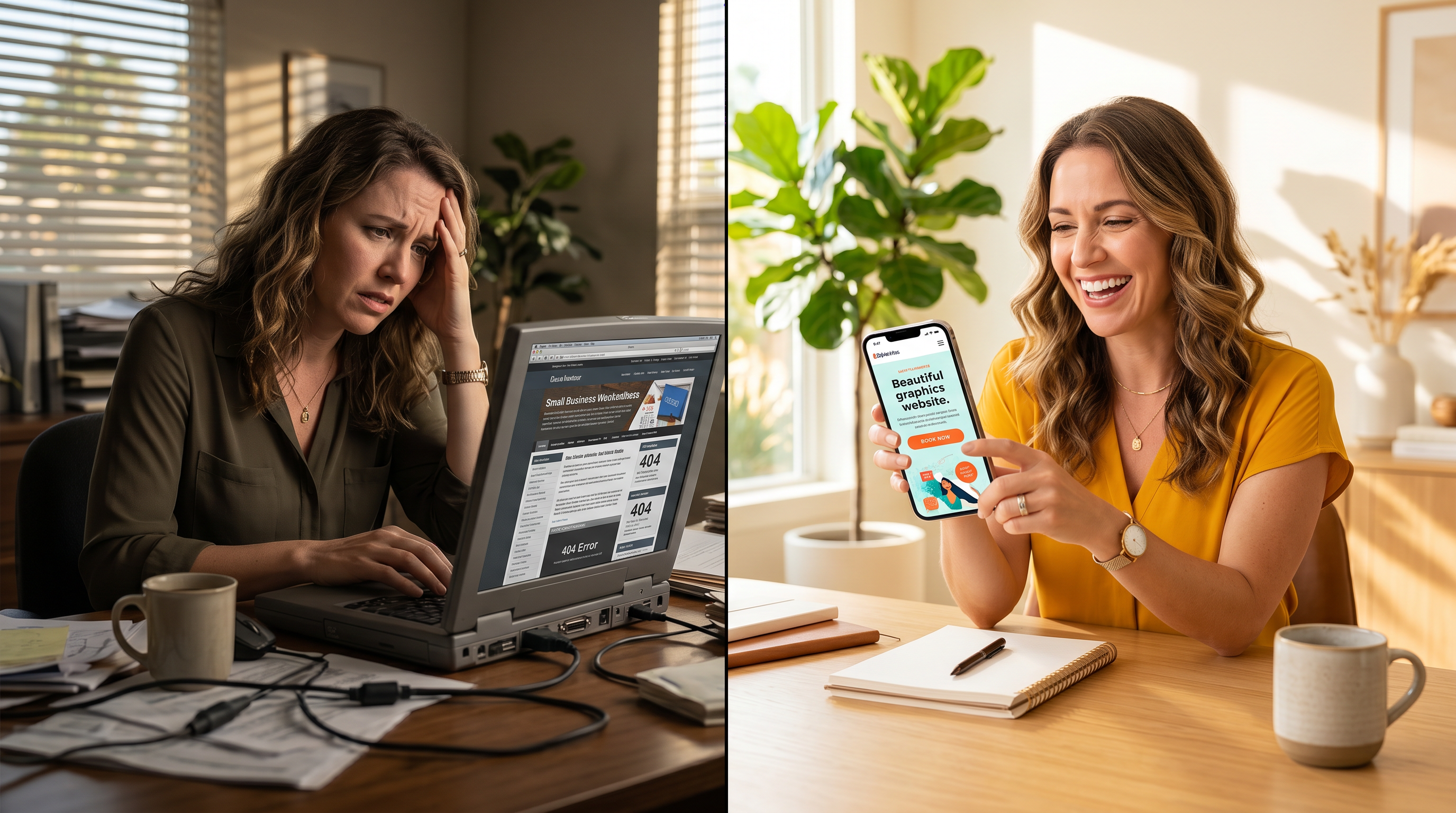
5 Signs Your Website Isn't Getting Leads (Fix Them Now)
Picture this: You've sunk thousands into a shiny new website for your California small business, dreaming of a steady stream of leads rolling in like waves on the Pacific Coast. Months later? Silence. No inquiries from potential customers, no phone calls buzzing during your lunch break in LA or San Diego. Just frustration mounting like rush-hour traffic on the 405. If your website not getting leads has you scratching your head, you're not alone. Many small business owners face this exact pain—pouring cash into web design for small business that feels like a digital black hole.
The good news? It's rarely about bad luck. It's about fixable flaws turning your site from a passive online billboard into a high converting website. Let's diagnose the culprits with these five telltale signs—and arm you with small business website tips to turn things around fast.
1. Your Pages Load Slower Than Bay Area Fog
Ever clicked away from a site that takes forever to load? You're not impatient—Google's data backs it up. The three-second rule reigns supreme: if your page doesn't render in three seconds, 53% of mobile users bounce. For California small businesses, where locals search on the go from Sacramento to San Francisco, slow speeds kill leads before they hatch.
Why does this tank your website that brings customers? Search engines like Google penalize sluggish sites in rankings, pushing you down in local searches for "plumber near me" or "coffee shop in Orange County."
Quick Fixes for Speed
- Compress images ruthlessly—tools like TinyPNG work wonders without losing quality.
- Ditch heavy plugins; audit your CMS for bloat.
- Enable browser caching and a CDN like Cloudflare for global zip, especially handy for West Coast traffic.
Test with Google's PageSpeed Insights. Aim for 90+. Your leads will thank you.
2. It's a Desktop Darling, Not Mobile Magic
Over half of web traffic is mobile, and in car-crazy California, that's locals thumbing searches while stuck in traffic or strolling Venice Beach. If your site pinches and zooms on phones, it's waving goodbye to leads. Google prioritizes mobile-first indexing—non-responsive designs vanish from California web design searches.
Frustrated visitors equals zero conversions. A clunky mobile experience screams "amateur," eroding trust before they even read your services.
Make It Mobile-Ready
- Switch to responsive design via frameworks like Bootstrap.
- Test with Google's Mobile-Friendly Tool—fix any red flags.
- Prioritize touch-friendly buttons and readable fonts on small screens.
3. CTAs Are Hiding Like Wallets in a Black Friday Sale
Your site looks great, but where's the nudge? Vague text like "Learn More" won't cut it for busy Californians hunting services. Strong calls-to-action (CTAs)—think "Get Your Free Quote Now" or "Call for Same-Day Service"—guide visitors straight to conversion.
Without them, your website not getting leads because it leaves users wandering, not committing. High-converting sites use CTAs like signposts on the Golden Gate Bridge—clear, urgent, everywhere.
CTA Power-Ups
- Place bold buttons above the fold: hero sections scream opportunity.
- Use action verbs and local flavor: "Book in Bay Area Today."
- A/B test colors—orange and green convert best for trust and energy.
4. You're Invisible on Google—SEO Sabotage
Here's the harsh truth: if you're not on page one of Google for local terms, you don't exist to 75% of searchers. Poor SEO means your web design for small business gathers dust while competitors snag leads.
California's competitive markets—from Silicon Valley tech to SoCal retail—demand optimized sites with keywords, fast speeds, and schema for rich snippets.
SEO Essentials
- Claim Google Business Profile for local pack dominance.
- Optimize titles, metas, and content with tools like Ahrefs.
- Build backlinks through local directories and partnerships.
5. It Looks Dated, Like a '90s Flip Phone
First impressions? Gone in 50 milliseconds. An outdated design—stocky fonts, cluttered layouts—signals unreliability. In trust-driven California, where customers vet online before calling, modern aesthetics build instant credibility.
A sleek, minimalist high converting website feels professional, keeping bounce rates low and engagement high.
Design Refresh Tips
- Embrace clean lines, ample white space, and high-res local imagery.
- Match your brand—vibrant for SoCal, polished for NorCal.
- Consider pro California web design help for that edge.
From Digital Brochure to Lead-Generating Machine
Too many small business sites are fancy brochures—pretty but passive. Flip the script: make yours a website that brings customers with these tweaks. It's not rocket science; it's strategic small business website tips that compound into growth. Diagnose one sign today, fix it tomorrow, and watch inquiries flood in like high tide.
Your website isn't just online real estate—it's your 24/7 salesperson. Time to make it hustle.
Ready to Diagnose Your Site?
Spot these signs on your site? Don't let another lead slip away. Take our free marketing assessment quiz to pinpoint exactly what's holding back your website not getting leads.
Start the quiz now—it's quick, insightful, and the first step to unlocking your small business growth in California.